

How to Improve Google My Business Ranking and Get More Local Customers
When somebody is searching for a product or service near your location, it is highly required to rank in a high position on Google. It directly impacts the number of calls, enquiries, web traffic, and foot traffic your business gets from that. That’s why businesses are actively searching for how to rank on Google My Business.
Google My Business (also known as Google Business Profile) helps you to reach your target audience in your local areas. Correct execution of a Google Business Profile helps you to get visible on Google Search Engine and Google Maps higher than competitors.
Here, We will guide you on how to create and optimise your Google Business Profile and how to get more business reviews and grow your local business presence
What Is a Google Business Profile?
Google Business Profile is an absolutely free way to create your business listing, which will help your business get noticed via Google Search and Google Maps.
Information about your business that may be shown through your profile includes:
Business name
Address & Areas of Service
Phone Number
Website
Hours of Operation
Product/Services Provided
Photos/Videos
Client Reviews
Updates on Your Business
Special offers and announcements
If you are looking for a way to create a business on Google, Google Business Profile is definitely among the first actions you have to take.
A well-maintained profile will help potential clients find and know more about you and your business.
Learn more about our Web Development Services.
How to Create Google My Business Profile
Below we mentioned some easy and quick steps to create your Google My business profile.
Step 1: Add your business
Go to Google Business Profile page and input the name of your official business.
Step 2: Choose the Relevant Business Category
Select a category that best describes your core service. The category will have an effect on the searches that your business gets.
Step 3: Input your Business Details
Input details including:
- Phone number
- Website link
- Address of the business
- Locations where your services are offered
- Opening times of your business
Step 4: Verification
Google can verify your business using video calls, phone, email and any other method available.
Step 5: Finish Creating your Profile
After successful verification, you should add your services, photos, description of your business and answers to common questions and also update regularly.
But just having a profile is not enough. Businesses in competitive markets require Google Business Profile optimisation.
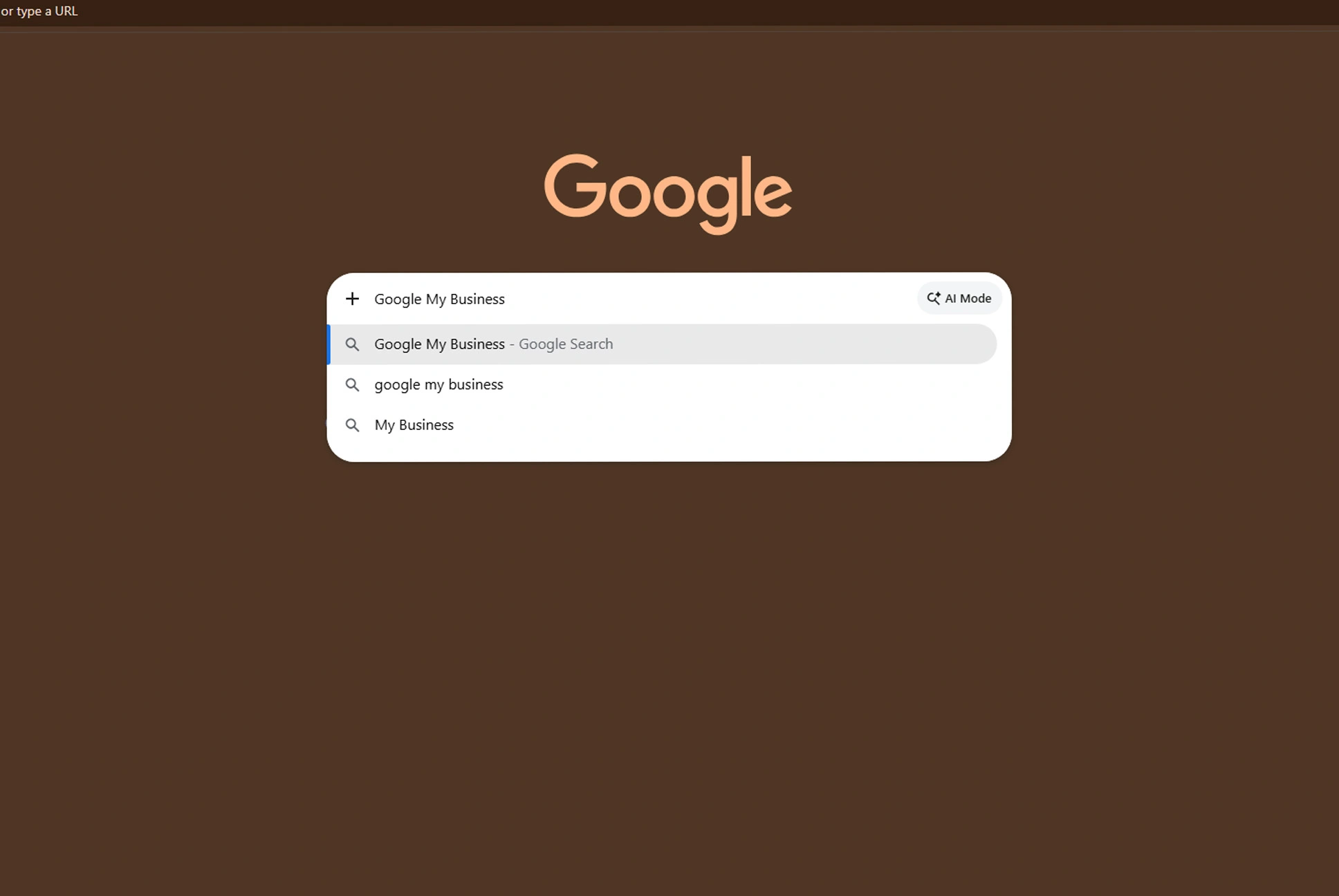
How to Improve Google My Business Ranking
- Optimize Your Google My Business Account
The first step is to complete your Google My Business Profile with all the business-related information so that Google can learn and optimise your rank when somebody tries to search for a product or services related to your business.
- Optimize Your Profile Using Local Keywords
Use local keywords appropriately in your business description, services, posts, and your website to help improve Google ranking.
- Gain More Reviews on Google My Business
It is advisable to encourage more customer reviews from your satisfied clients and always reply to them. It could help improve Google My Business ranking.
- Make More Updates and Post Images on Google My Business
Ensure you frequently post images, updates, offers, and services to optimize your Google My Business profile.
- Optimize Local SEO and Website SEO
Ensure that the business information is consistent on both Google and your website. The Search Engine Optimization of Google My Business works effectively when coupled with local SEO of the website.
Explore our Search Engine Optimization Services.
Google Business Profile Optimisation Checklist:
A Google Business Profile should be optimised continually instead of being set up one time.
These are some of the aspects you should focus on:
- Ensure your contact information is up to date.
- Upload photos of your business consistently.
- Include all necessary services.
- Create service information descriptions.
- Post articles on Google Business Profile.
- Reply to customers’ reviews.
- Answer frequently asked questions.
- Make holiday and special hours changes.
- Monitor profile’s performance.
- Ensure consistency of information in online directories.
Those businesses that lack the necessary resources internally can think about hiring Google Business Profile optimisation specialists.
For them ValieQ is a good option to choose for optimising their Google My Business profile.
How to Get More Reviews on Google My Business?
The customer reviews are important for both reputation and visibility.
If you are wondering about how to get more reviews on Google My Business, then you should try to make it easy for real customers to leave their reviews.
You can:
- Ask happy customers for their reviews.
- Include your Google review link once your work is done.
- Mention a review link in your emails.
- Put a QR code at your physical address.
- Teach your customer support team how to ask for reviews.
- Take reviews from satisfied customers professionally.
Don’t purchase fake reviews or try any kind of incentive to get good reviews as this will backfire for sure.
Read our guide to Improve Your Google Search Visibility.
Do You Need Google Business Help?
The management of a profile might seem easy at first glance, but keeping high local visibility requires constant monitoring.
Businesses often look for Google business assistance when they face any of the following situations:
- Google Maps visibility problems
- Wrong business information on Google Maps
- Lack of customer reviews
- Few inquiries or calls
- Suspension of the profile on Google My Business
- Low local search visibility
- Inconsistencies in their Google Maps listings
- Insufficient local SEO knowledge
Why Go for ValieQ in Optimizing Google My Business
ValieQ a data-driven digital marketing agency, helps businesses grow their local presence through comprehensive Google Business Profile optimization, including profile creation, audits, category/service optimization, keywords, posts, and reviews.
ValieQ provides Google Business Profile Services to businesses. So that they can improve their visibility, rank and boost local seo and website and foot traffic.
Frequently Asked Questions
How Do I Get The Best Google Business Profile Optimization Agency In India?
Ans: Choose a service that provides management of Google Business Profile along with local SEO, keyword research, reputation management, and website optimization. Do not opt for those agencies that claim to give you a guaranteed number one ranking.
How To Choose Top Google My Business Services Near Me?
Ans: Find the best local optimisation agencies through Google search, evaluate their services, reviews, expertise and reporting process, and choose an agency that will give you an effective optimisation plan.
How To Put My Business On Top Of Google Search Without Any Cost?
Ans: Complete the optimisation of your Google Business Profile, gather real reviews, upload images, post updates regularly, and enhance the local SEO of your website. All these efforts are cost-free except the time spent on them.
How Can I Get More Reviews On Google My Business?
Ans: Ask your genuine customers to provide a review in case of successful purchase or service delivery. Always send an invitation link for Google reviews by mail, WhatsApp, SMS, or QR codes.